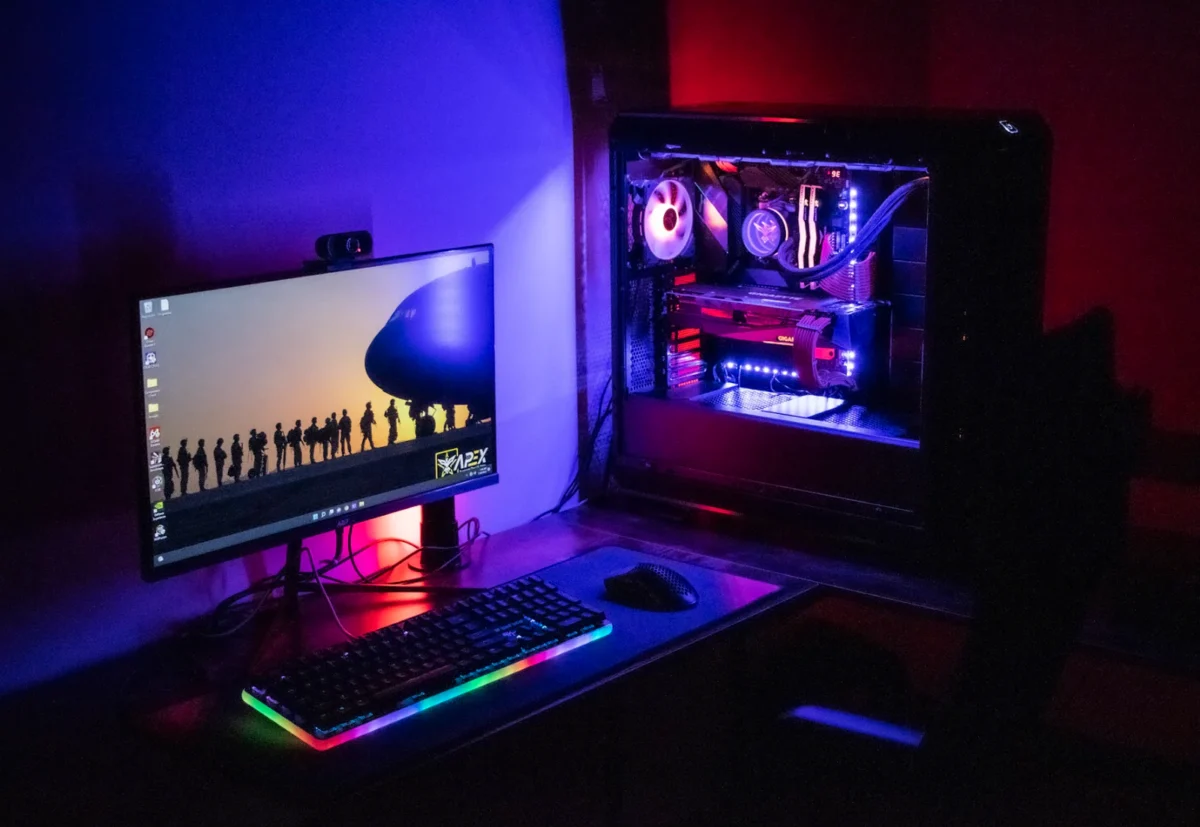
Playpuzzlequestgalactrix – The perception of custom PC building has shifted dramatically over the past decade. What was once a cost-saving alternative to pre-built systems has become associated with high-end components, RGB lighting, and budgets that exceed the cost of premium laptops. The enthusiast community’s focus on flagship components has obscured a fundamental truth: building a capable, reliable gaming PC does not require a $2,000 budget. With strategic component selection, builders can create machines that deliver excellent performance at a fraction of that cost. The budget blueprint is not about compromise; it is about allocation.
The Budget Blueprint: How to Build Gaming PC Without Breaking the Bank
The first principle of budget building is allocating the majority of the budget to the components that directly affect performance. The GPU should receive 40 to 50 percent of the total budget for a gaming-focused build. The CPU and motherboard combined should account for 20 to 25 percent. The remaining budget is distributed among memory, storage, power supply, and case. This allocation reflects the reality that gaming performance is primarily GPU-bound, and that overspending on other components yields diminishing returns.
The second principle is recognizing where generational improvements matter and where they do not. A builder on a budget should prioritize current-generation GPUs, as the performance leap between generations typically justifies the cost. CPU selection is more flexible; a previous-generation CPU paired with a current-generation motherboard can provide near-current performance at significant savings. Memory and storage are commodity components; there is no performance advantage to premium branding. The power supply and case should be selected for reliability and functionality rather than aesthetics or brand cachet.
The used market offers significant opportunities for budget builders. GPUs from the previous generation, sold by upgraders, often provide 80 to 90 percent of current-generation performance at 50 to 60 percent of the price. Cases, which do not degrade with use, are available at substantial discounts. Even CPUs and motherboards can be found used from builders who have upgraded. The risks—unknown usage history, lack of warranty—are real, but for builders willing to research sellers and test components, the savings can enable a build that would otherwise be out of reach.
The decision to prioritize upgradeability is essential for budget builds. A builder who selects a motherboard with a current-generation socket and a mid-range CPU can upgrade the CPU in two or three years without replacing the motherboard. A builder who selects a power supply with sufficient wattage for future upgrades avoids the cost of replacement. A builder who chooses a case with good airflow and expansion options can use it across multiple builds. The initial build is not the final build; the budget blueprint anticipates the future.
The aesthetics budget should be minimal or nonexistent for builders prioritizing performance. RGB fans, custom cables, and themed components add cost without adding performance. A budget builder who spends $100 on aesthetic components has $100 less for the GPU or CPU—components that directly affect the experience. The satisfaction of a visually striking build is real, but it should not come at the expense of performance when the budget is constrained.
The operating system cost is often overlooked in budget planning. Windows licenses, while not expensive relative to components, represent a real cost that should be factored into the total budget. Builders who have access to educational or employer licensing may avoid this cost; builders who do not should allocate $100 to $120 for a legitimate license. The alternatives—unlicensed Windows with watermark or questionable third-party keys—are false economies that introduce complications.
The budget blueprint does not produce a machine that competes with $3,000 flagship builds. It does not need to. A well-allocated $800 to $1,000 build will deliver excellent 1080p gaming performance, handle productivity workloads, and provide a foundation for future upgrades. The perception that custom PC building requires a premium budget is a myth sustained by a community focused on extremes. The reality is that thoughtful component selection, strategic allocation, and a willingness to prioritize performance over aesthetics can produce a machine that serves its purpose without straining the budget.